Workspace Profile Settings
Each workspace you participate in can have different profile settings, allowing you to customize your experience for each environment.
- Access this view by clicking your profile icon.
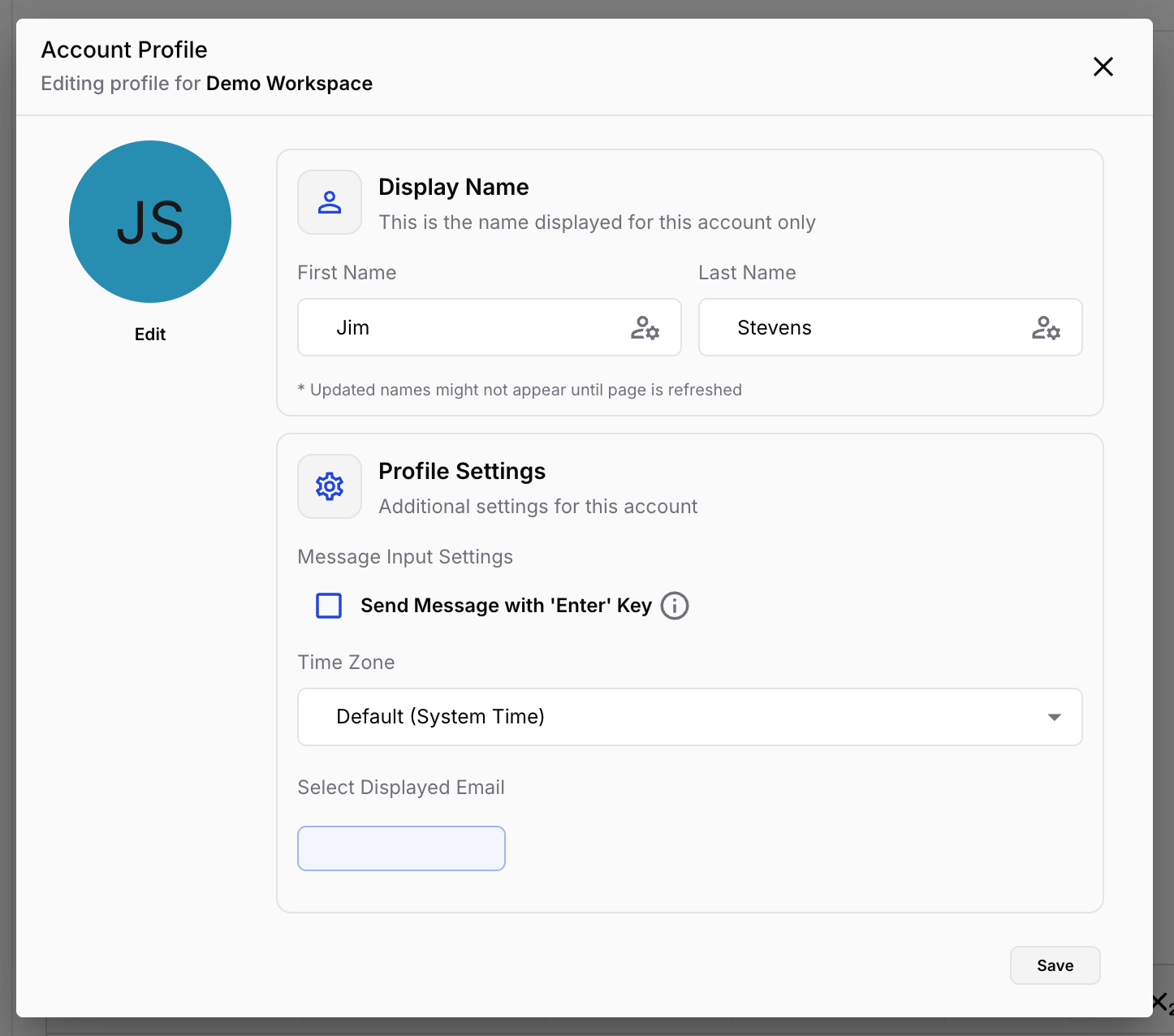
- Members can update:
- Avatar
- First name
- Last name
- Time zone
- Change Send Message with 'Enter' Key setting (web only)
- Select Displayed Email
- Users can add additional email addresses in the Account Settings view. This lets you choose which email address is associated with each workspace you participate in.