File Sharing
How To Share Files
- Web
- Mobile
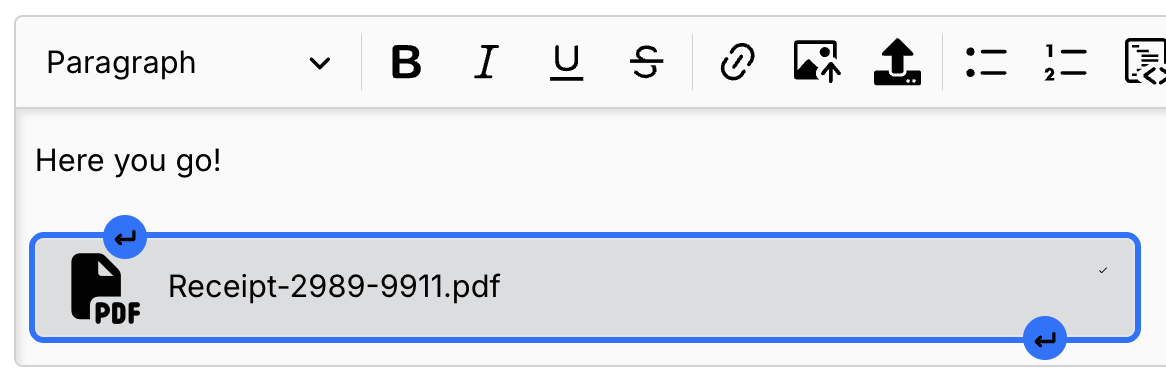
- Use the Upload File button above the message box — or drag and drop, or copy and paste, a file from your device.
- You can add one file at a time to the message box.
- Add a message or another file before or after it by clicking the icon on the file's border.
- Click the send button to send the file.

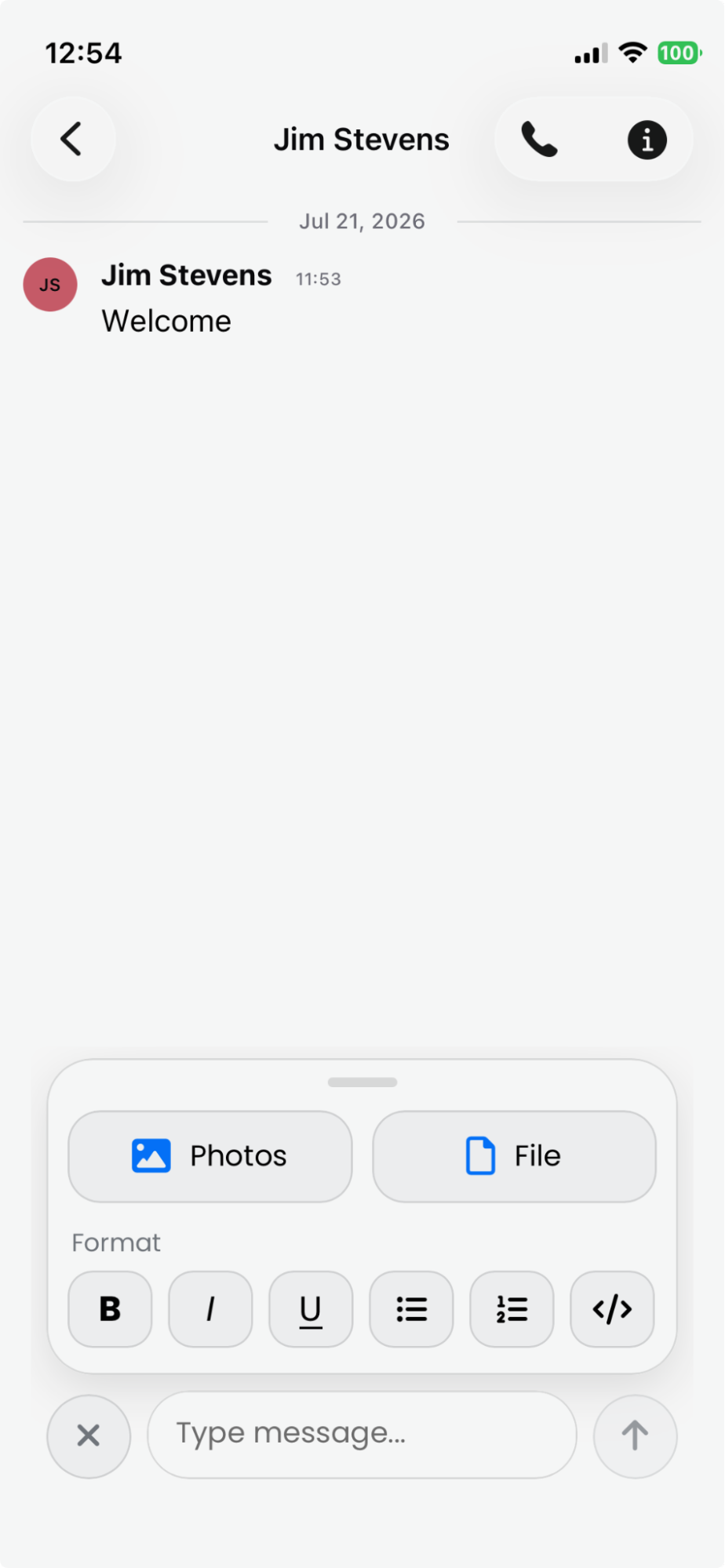
- Tap the attach button above the message box and choose Photos or File.
- You can add one file at a time to the message box.
- Add optional text to give it context, then tap send to share the file.
Downloading/Viewing Files
- Web
- Mobile
- Click the file in the message. The file will download to your downloads folder on your device.
-
Select the file or navigate to Files.
-
Select the file to view it.
Searching Files
- Web
- Mobile
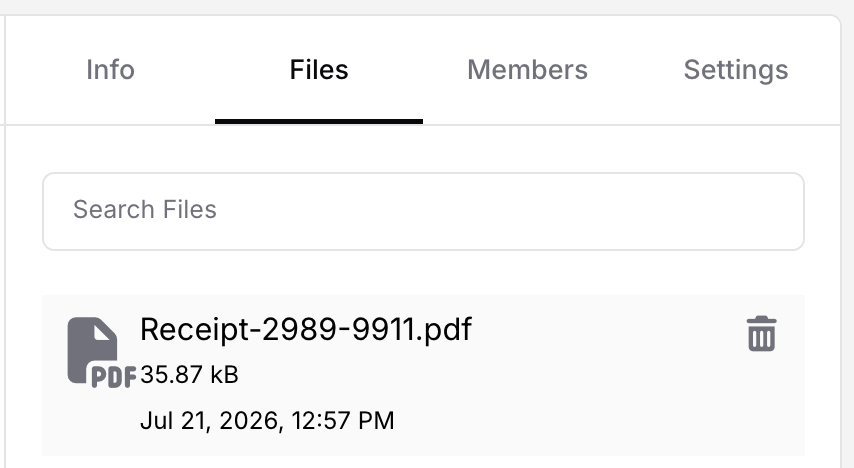
- Select a group.
- Click the Files icon.
- Filter your search results by typing the file name.
- Click a file to download it.
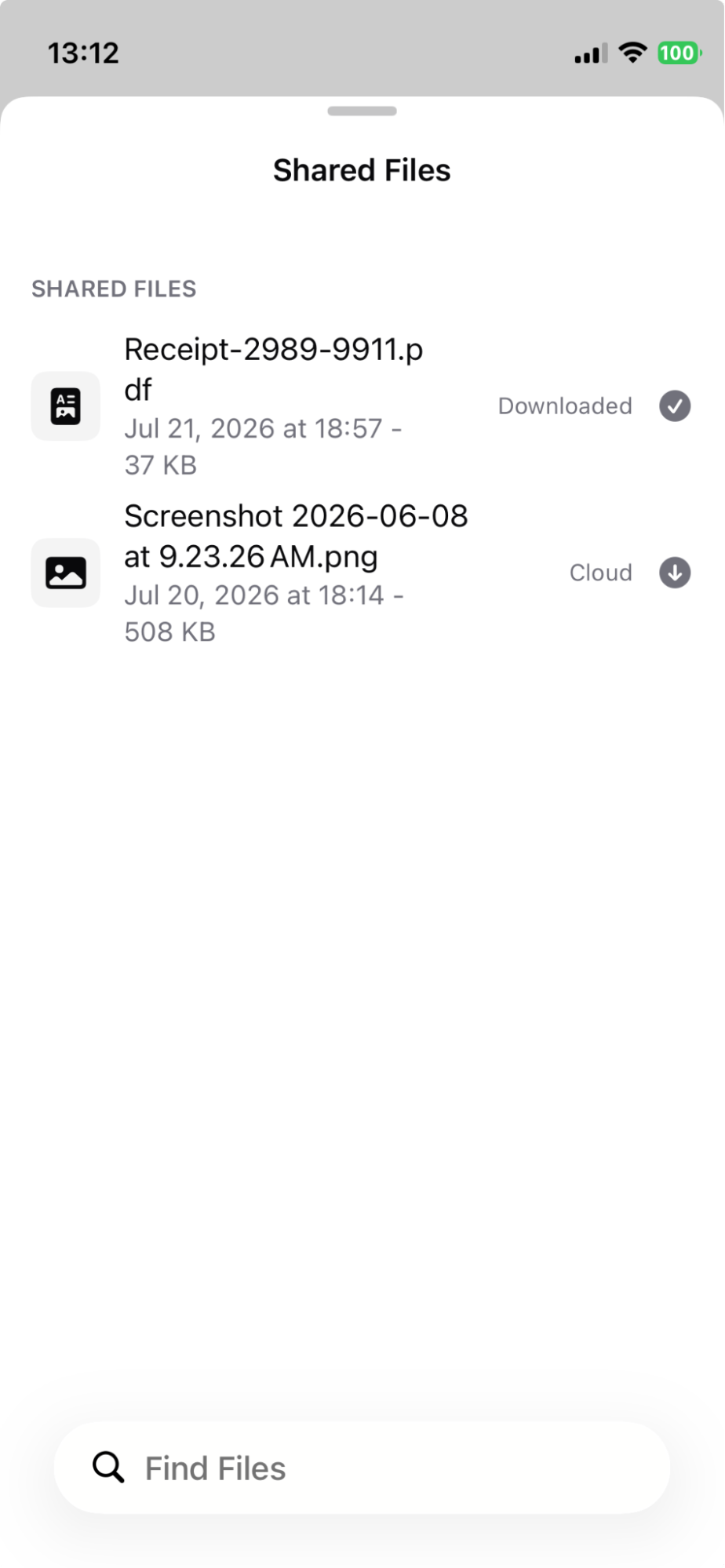
- Select a group and open Shared Files.
- Filter your search results by typing the file name.
- Download a file from the cloud to view it within the app. You can also forward the file from here.
Deleting Files
Deleting a message containing a file will not delete the file from the group.
- Web
- Mobile
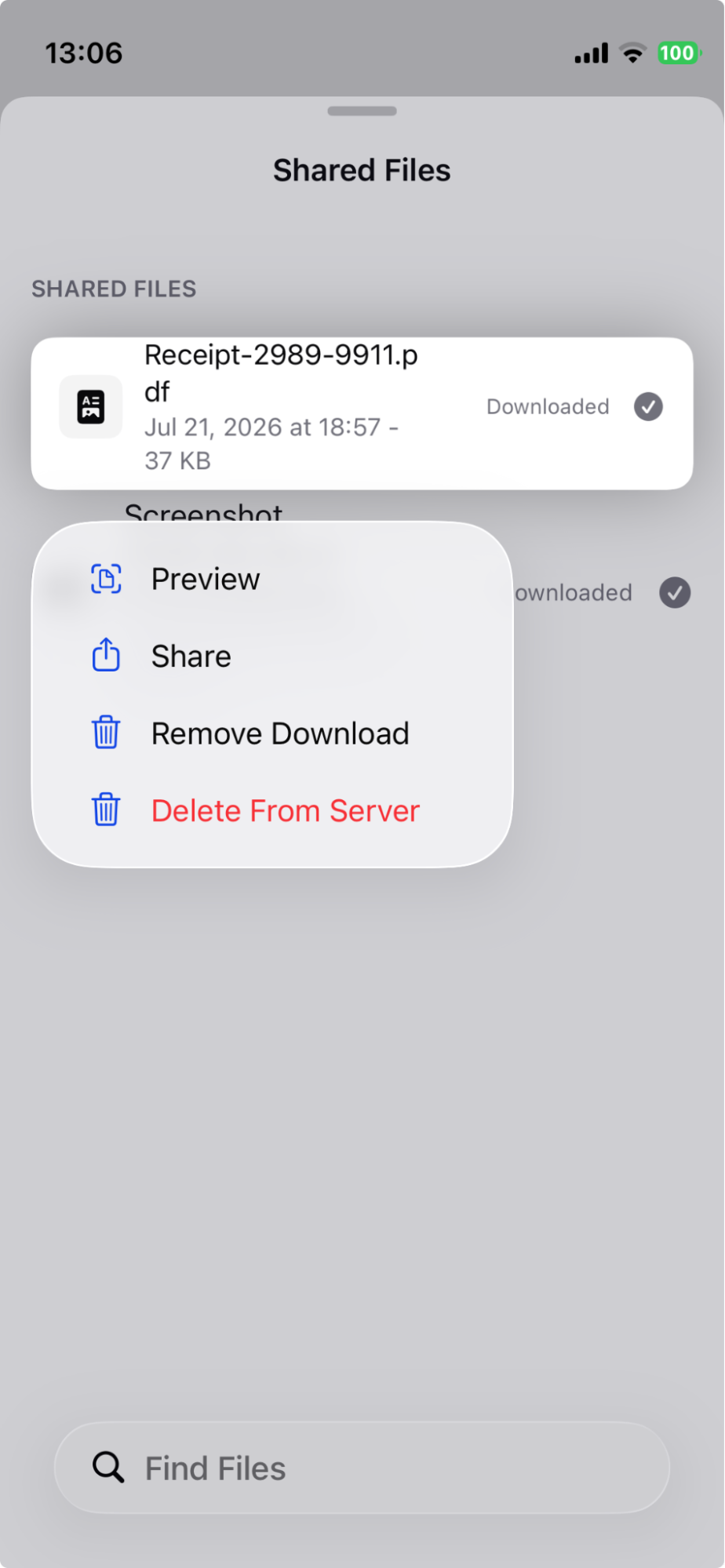
- In the files view, click the delete icon to delete the file.
- Long-press a file, then delete it from your device and/or delete it from the server.