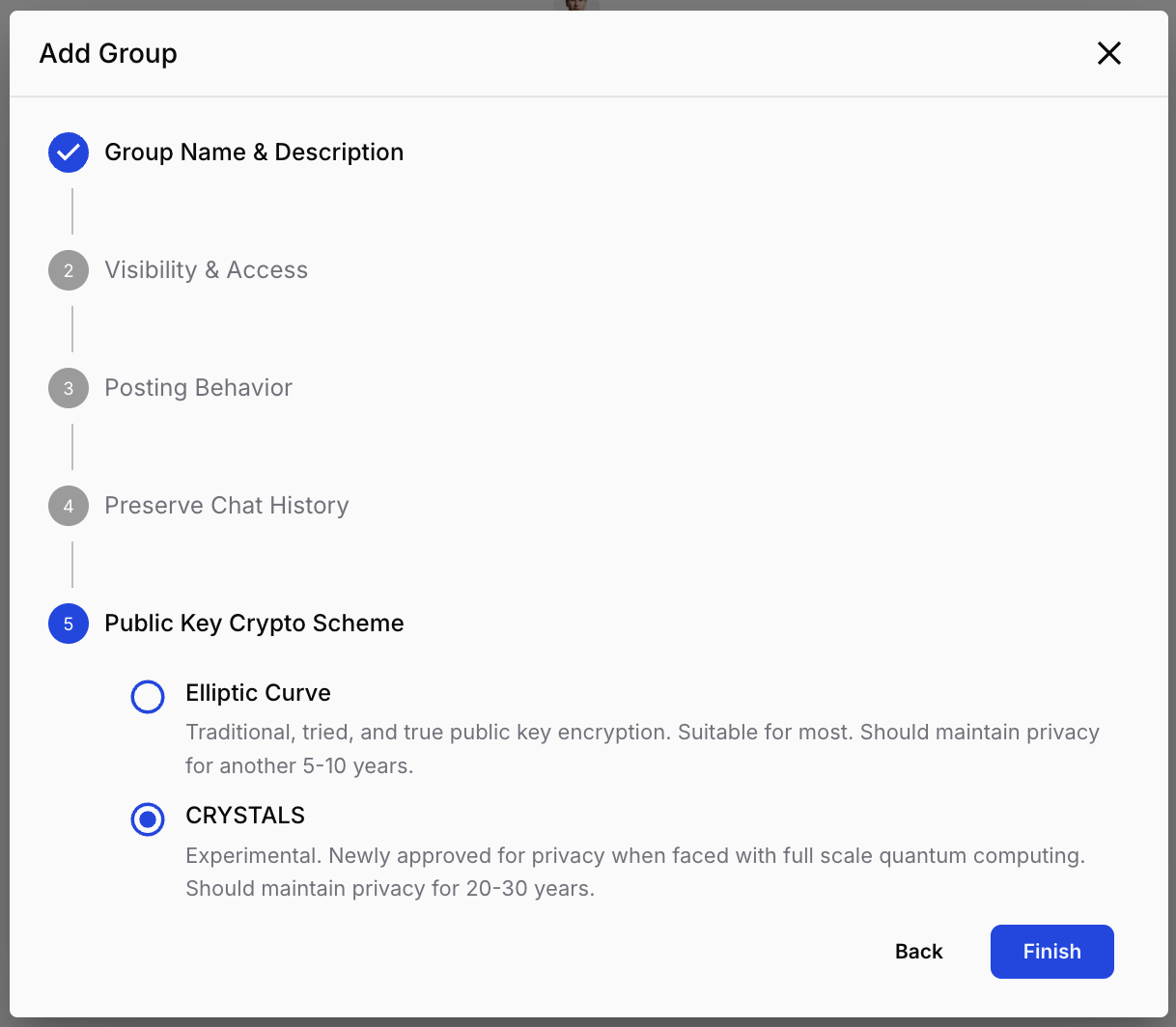
Creating a secure groupin GLYPH.
Watch the walkthrough
Quick steps
- In the group banner, click the down chevron, then New Group.
- Enter a name and a short description then click Next.
- Choose a visibility:
- Open — available to all workspace members except guests.
- Private — controlled by owners, managers, and admins; every member must be explicitly invited.
- Choose a posting behavior:
- Normal — everyone can participate and send content.
- Broadcast — one-to-many. Owners, managers, and admins post to all members; standard members can't reply. Ideal for announcements and alerts.
- Submission — many-to-one. Anyone can post, but only managers and owners can see the messages. Ideal for security reporting.
- Set Preserve Chat History — leave it disabled (recommended) for ultra-secure collaboration. Enable it only if you need new members or devices to download prior messages.
- Choose a Crypto Scheme — CRYSTALS is recommended for new groups.
- Click Create to finish.